

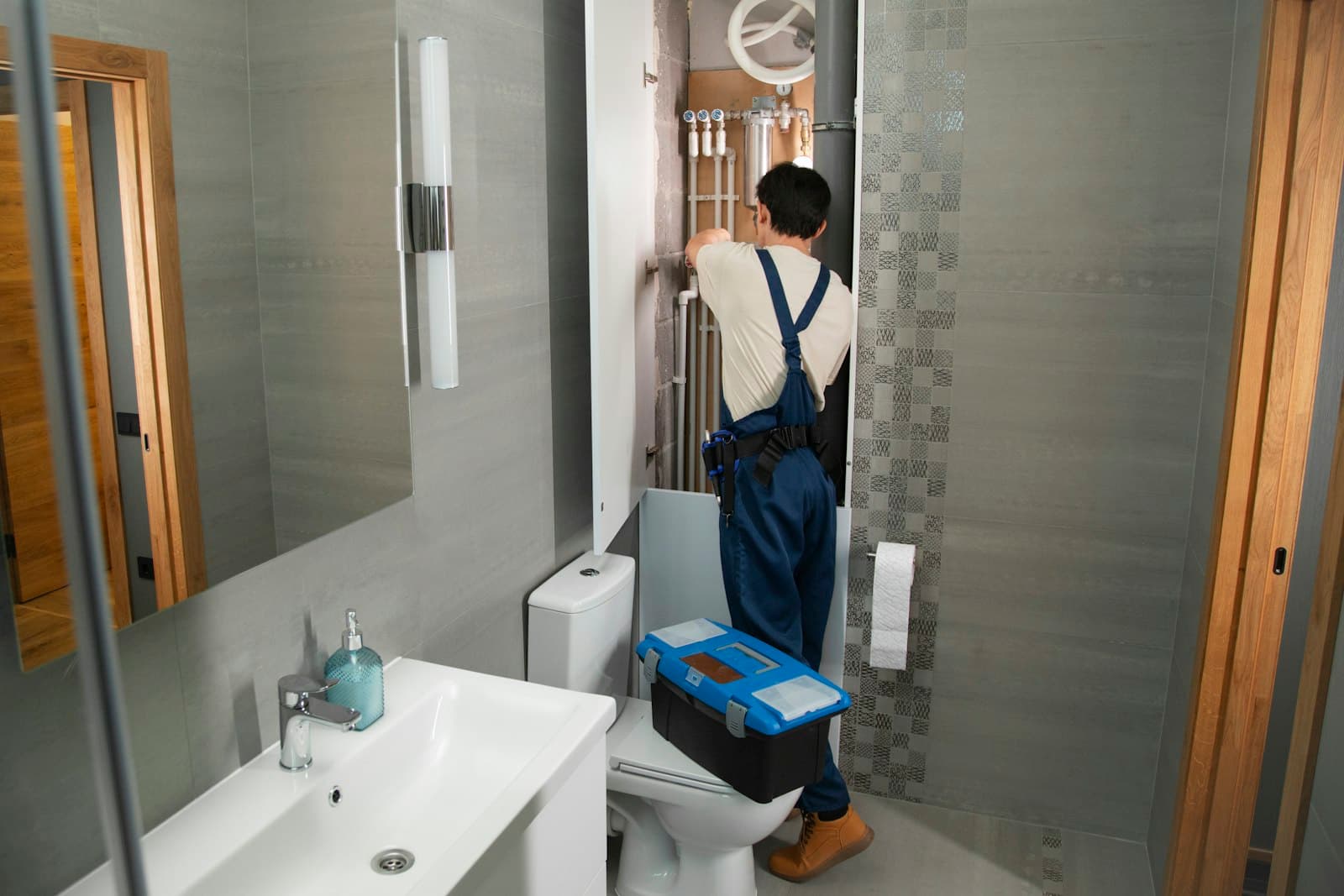
Most tradespeople get work through word of mouth, and that isn't going to change. But even a recommendation usually ends with the same step: the customer looks you up before they ring. If they find a clear, professional website with your services, your area and a way to get in touch, the call is half-won. If they find nothing, or a Facebook page last updated three years ago, they may well ring the next name on the list.
This guide covers what a website for a plumber, electrician, builder, roofer, decorator or any other trade actually needs, what it doesn't, and how to get one up without it becoming another job on your list.
What your website is really for
A trade website has three jobs:
- Get you found when someone nearby searches for what you do, like "emergency plumber Nottingham" or "electrician near me".
- Build trust quickly, so a stranger feels comfortable letting you into their home.
- Make it easy to get in touch, whether that's a call, a text or a quote request sent while you're up a ladder.
Everything on the site should serve one of those three. You don't need a blog, animations or a dozen pages to start.
The pages you need
For most trades, four or five pages cover it:
Home
Say what you do and where, in plain words, at the top of the page. "Gas Safe registered plumber covering Nottingham and Derby" beats "Welcome to our website" every time. Put your phone number and a quote button where nobody has to hunt for them, especially on mobile.
Services
List the jobs you want more of. If you do boiler installs, bathroom fitting and emergency call-outs, give each one its own section or page. A page dedicated to "boiler installation in Nottingham" has a much better chance of showing up for that search than a single line in a long list.
About
Customers want to know who's turning up. A photo of you or your team, how long you've been trading, and any qualifications or memberships go a long way. Keep it short and honest.
Areas covered
Name the towns, villages and postcodes you work in. It helps customers check you'll come out to them, and it helps search engines connect you to local searches.
Contact
Phone, email, a simple enquiry form, and your hours. If you offer emergency call-outs, say when.
Trust signals that win the job
Trades customers are often letting someone into their home, so trust matters more than design.
- Photos of your own work. Before-and-after shots of real jobs beat stock photos every time.
- Reviews. Link to or show reviews from Google or the platforms you use. Make sure they're genuine and not edited.
- Qualifications and registrations. Show the ones you genuinely hold.
- A real business identity. Your trading name, a local phone number, and your address or service area.
If you do gas work
By law, anyone doing gas work in the UK must be on the Gas Safe Register, and customers are encouraged to check. Gas Safe Register explains that each registered business has a business registration number, while each engineer has their own licence number on their ID card, which changes every year when a new card is issued. That makes your business registration number the sensible one to show on your site. Use the trading name you're registered under, and link to the register so customers can check you. You can tell them they're welcome to ask to see your engineers' ID cards, which Gas Safe Register advises customers to do.
The same principle applies to other schemes and trade bodies. Only show logos and numbers you're entitled to, and keep them up to date.
The legal bits (don't skip these)
Two things catch out a lot of small trade businesses.
If you're a limited company, GOV.UK says your website must show your company's registered number, its registered office address, where it is registered (England and Wales, Scotland or Northern Ireland) and the fact that it's a limited company, usually by giving the full name including "Limited" or "Ltd". A line in the footer is usually enough.
If your site has a contact form, you're collecting personal data, so you need a privacy notice. The ICO says a small business that holds information like customers' names and email addresses needs one, and suggests linking it from your contact form so people see it before they fill it in. The ICO also has a free privacy notice generator built for sole traders and small businesses.
Getting found on Google
You don't need to become an SEO expert. For a local trade business, a few basics do most of the work.
Set up your Google Business Profile
Your Business Profile is the listing that appears on Google Maps and in the local results. It's free. Google says local results are mainly based on relevance, distance and prominence, and that you can't pay for a better local ranking. What helps is verifying your business, keeping your details complete and accurate, adding photos, and getting and replying to reviews. Prominence is partly based on how many reviews you have and how many websites link to you, so link your profile to your website and keep the details on both the same.
Get the basics right on your site
- A clear title and description for every page. These are what show up in Google results. "Boiler Installation in Nottingham | Smith Plumbing" tells searchers and Google exactly what the page is about.
- One main heading per page that says what the page covers.
- Your town and service area mentioned naturally in the text.
- Structured data (behind-the-scenes code that tells Google you're a local business, where you are and what you do).
- Fast and mobile-friendly. Many customers will find you on their phone, often in a hurry.
Keep your details consistent
Use exactly the same business name, phone number and address on your website, Google Business Profile, social media and any directories you're listed on.
Common mistakes to avoid
- No phone number on the first screen. If someone has water coming through the ceiling, they won't scroll.
- "Home | My Website" as your page title. It happens more than you'd think, and it wastes your best chance to appear in search results.
- Using a free subdomain. A web address like yourname.somebuilder.com looks less established than your own domain. Your own domain also builds up its reputation with Google over time.
- Out-of-date information. Old prices, an old phone number or a "we're on holiday" notice from last August all make customers wonder if you're still trading.
- Enquiries going nowhere. Test your contact form yourself. If quote requests land in an inbox nobody checks, the website is costing you work.
How to get a trade website without the hassle
You have three realistic options:
- Build it yourself on a DIY builder. Cheap, but it takes evenings and weekends, and you'll be writing every page yourself.
- Pay a web designer. You get someone else's time and skill, but it costs more up front and changes are often charged.
- Use an AI website builder that drafts the whole thing for you.
Stack48 is built for the third option. You describe your trade and where you work, and it builds a complete site with home, about, services and contact pages, copy written for your business, and the SEO basics above (unique page titles and descriptions, structured data and local business markup) generated for every page. Enquiry forms save submissions to your dashboard, so leads come in while you're on the tools.
The Free plan gives you one website with hosting and lets you connect your own domain at no extra cost. You'll just need to buy the domain from a registrar. If you've already got a website you're not happy with, Stack48 can rebuild your existing site from its address so you don't start from scratch. After it's live, you can change things by asking in chat or clicking on the page, for example to add a new service or update your call-out hours.
Whatever tool you use, read every page before you publish. Add your real prices or price guides, your registration numbers, photos of your own work and your genuine reviews. That's what turns a decent website into one that wins jobs.
You can see how it works for plumbers, electricians, builders, roofers, tilers and decorators on the Stack48 page for tradespeople, and start a free site without a credit card.
Frequently asked questions
- Do tradespeople really need a website?
- Most customers look a business up before they call, even after a recommendation. A clear website with your services, area and contact details helps them trust you and get in touch. It also works alongside your Google Business Profile to help you show up in local searches.
- What pages should a trade website have?
- For most trades: a home page that says what you do and where, a services page (or a page per main service), an about page, an areas covered page and a contact page with your phone number, an enquiry form and your hours.
- Should I put my Gas Safe number on my website?
- If you're Gas Safe registered, show your business registration number with the trading name you're registered under, and link to the Gas Safe Register so customers can check. Individual engineers' licence numbers change every year when new ID cards are issued, so they're less suited to a website.
- What does a limited company have to show on its website?
- According to GOV.UK, your company's registered number, registered office address, where it is registered (England and Wales, Scotland or Northern Ireland) and the fact that it's a limited company, usually by using the full name including Limited or Ltd.
- How can a tradesperson get a website for free?
- Some builders have free plans. Stack48's Free plan builds one complete website from a description of your trade, with hosting, enquiry forms and your own custom domain included. You'll need to buy the domain itself from a registrar.